 ← BACK TO HOME
OXIDE PC download made easy: OXIDE: Survival Island runs great on your computer (PC & Mac) through the BlueStacks emulator. Below is a step-by-step guide on how to download OXIDE PC and start playing.
To download OXIDE on PC, go to the official BlueStacks website and click «Download BlueStacks 5» (or version X). Wait for the installer to download, run it and click «Install now» (or «Update» if it was already installed).
 Download BlueStacks
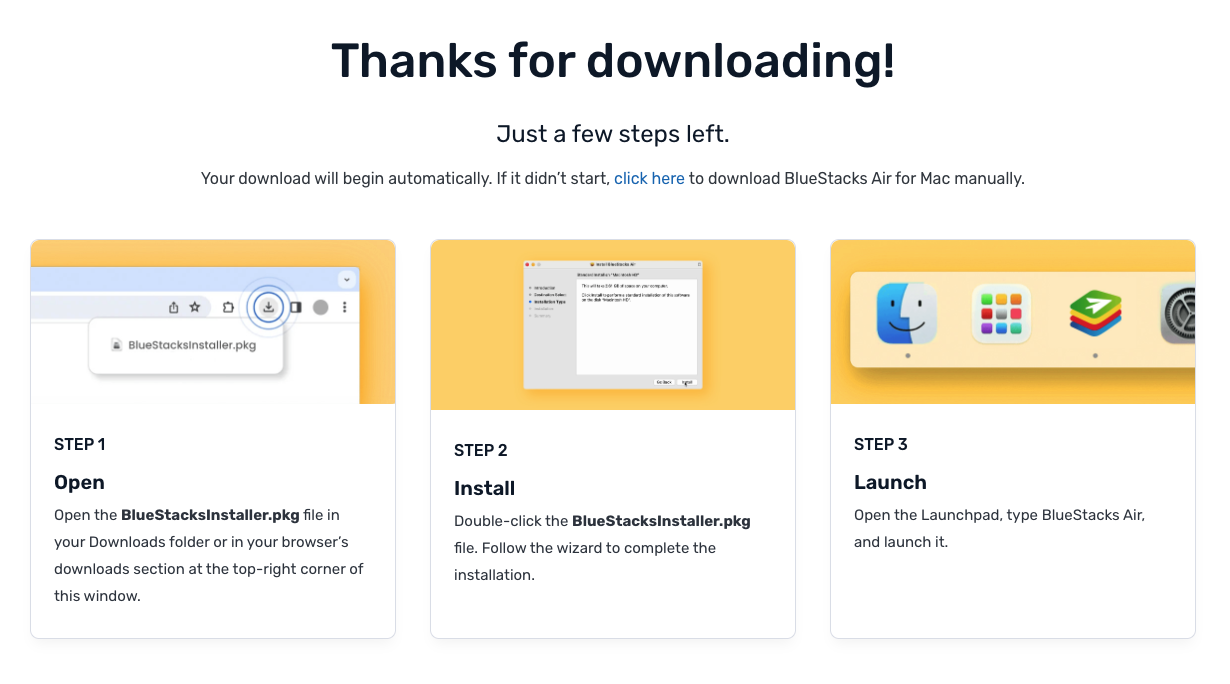
Open the BlueStacksInstaller.pkg file in your Downloads folder or in your browser's downloads section at the top-right corner of this window.
Double-click the BlueStacksInstaller.pkg file. Follow the wizard to complete the installation.
Open the Launchpad, type BlueStacks Air, and launch it.
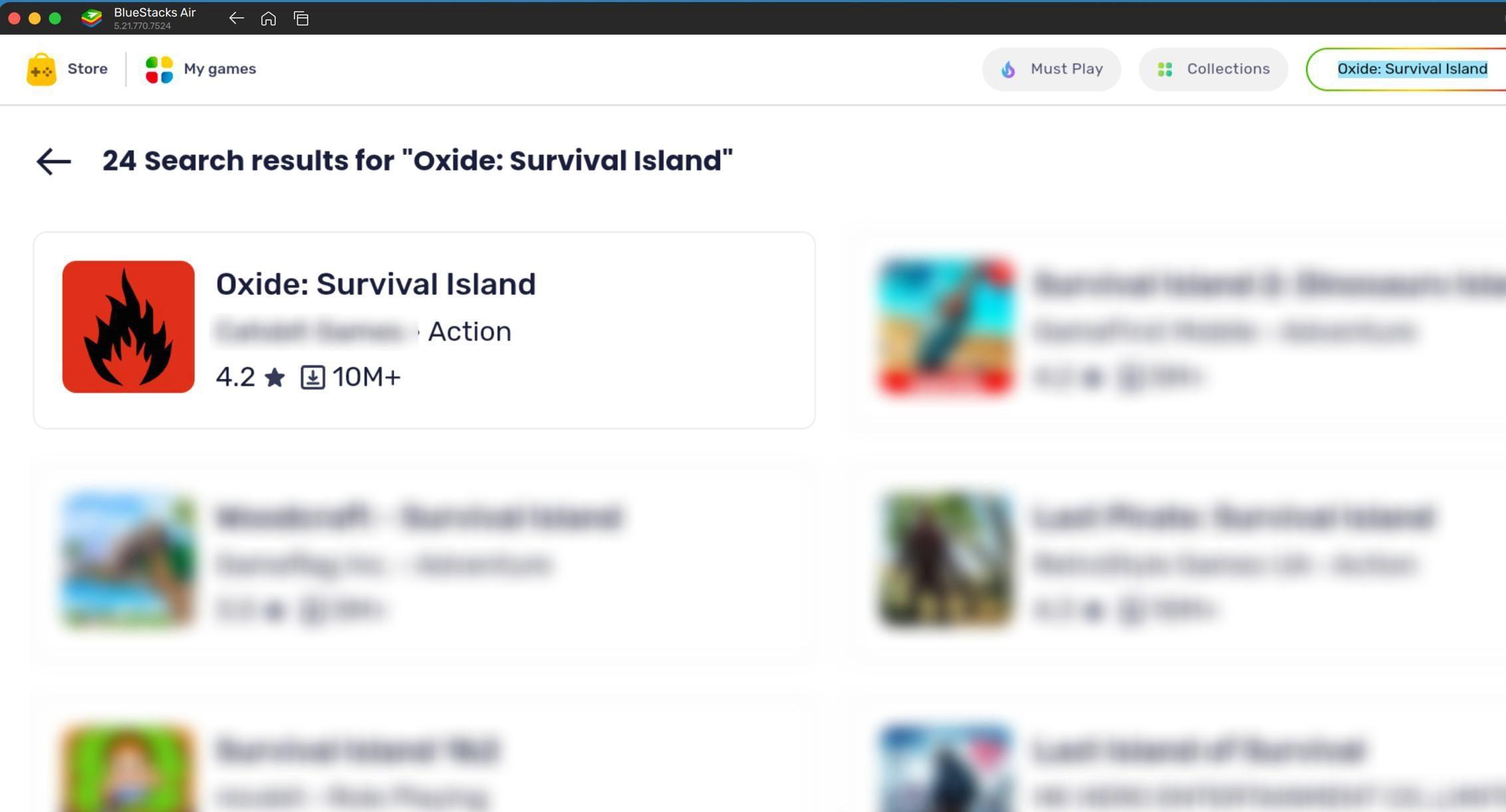
On the emulator's home screen or in the top-right corner, find the search bar. Type the game's name — OXIDE: Survival Island — to download OXIDE on PC.
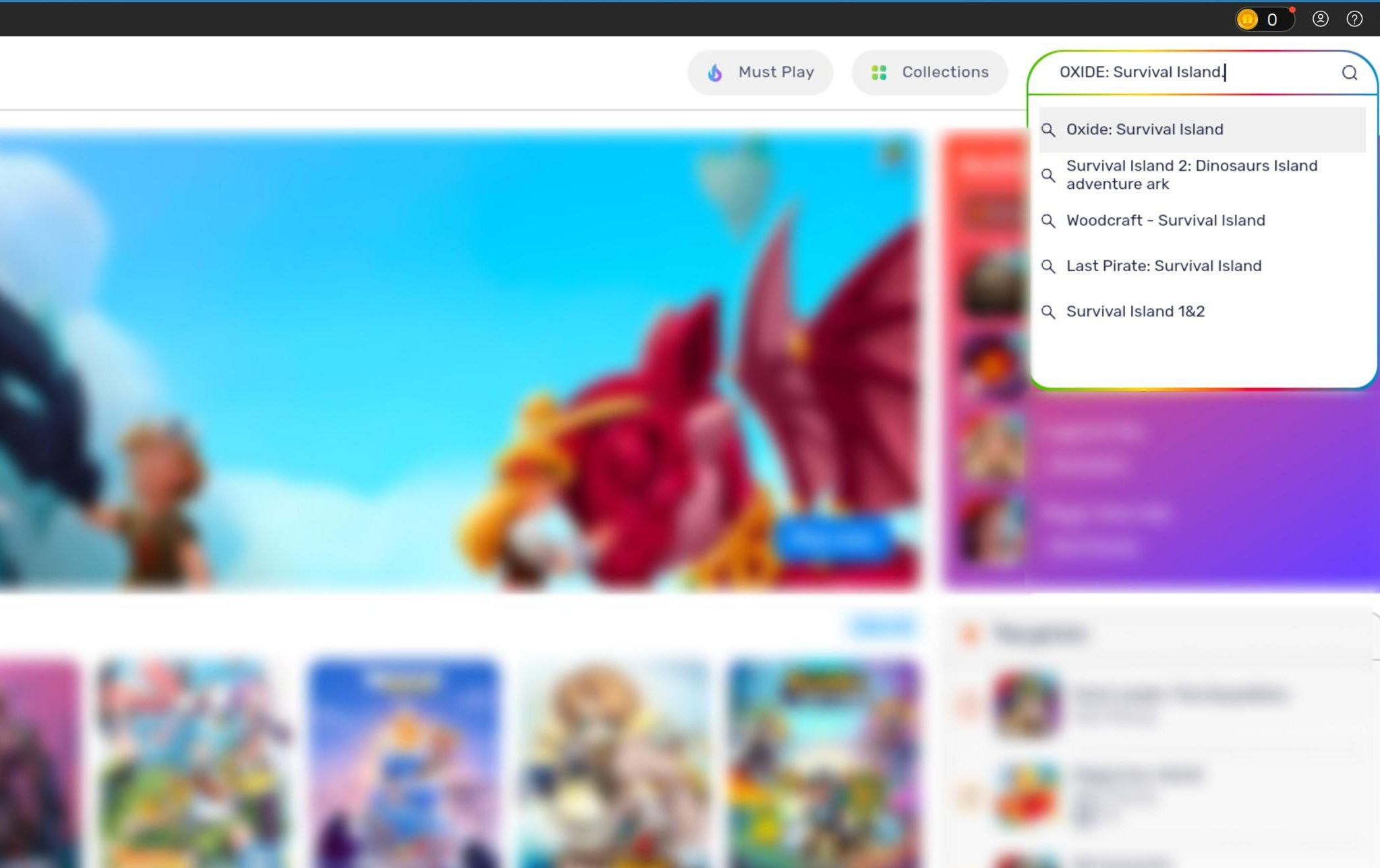
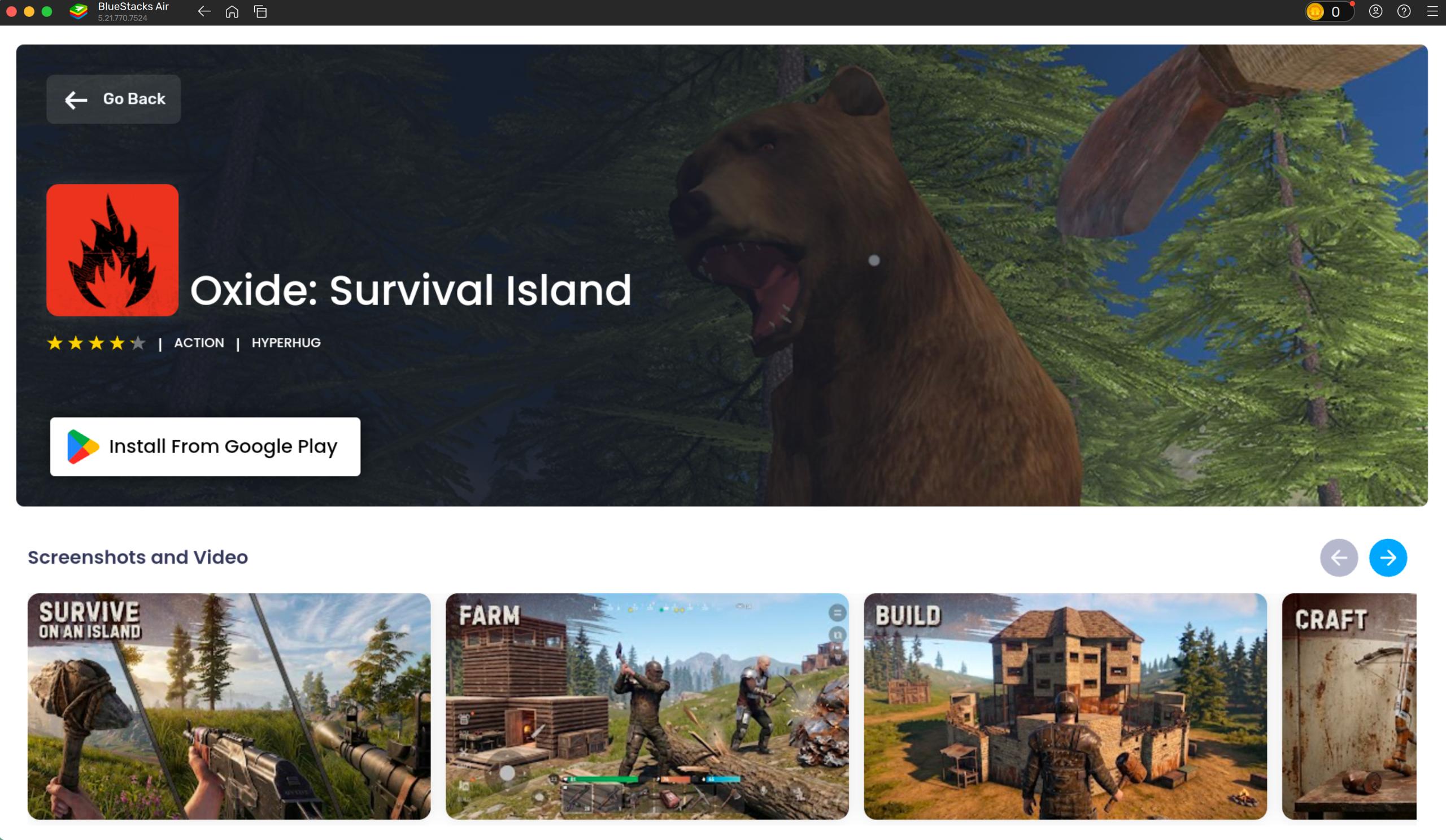
Click OXIDE: Survival Island in the search results — you'll be taken to its Google Play page. Press «Install» to finish your OXIDE PC download.
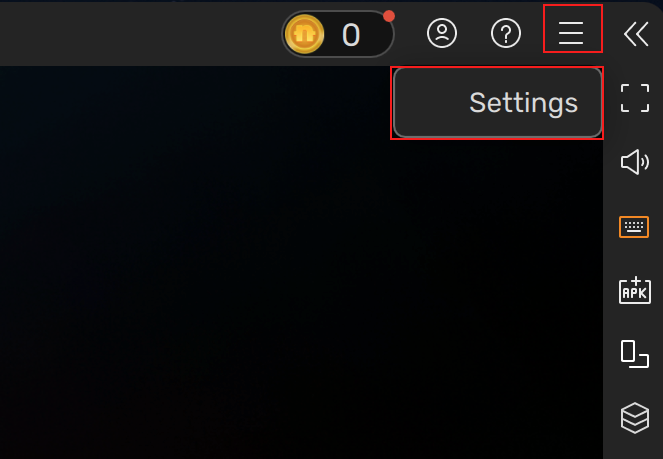
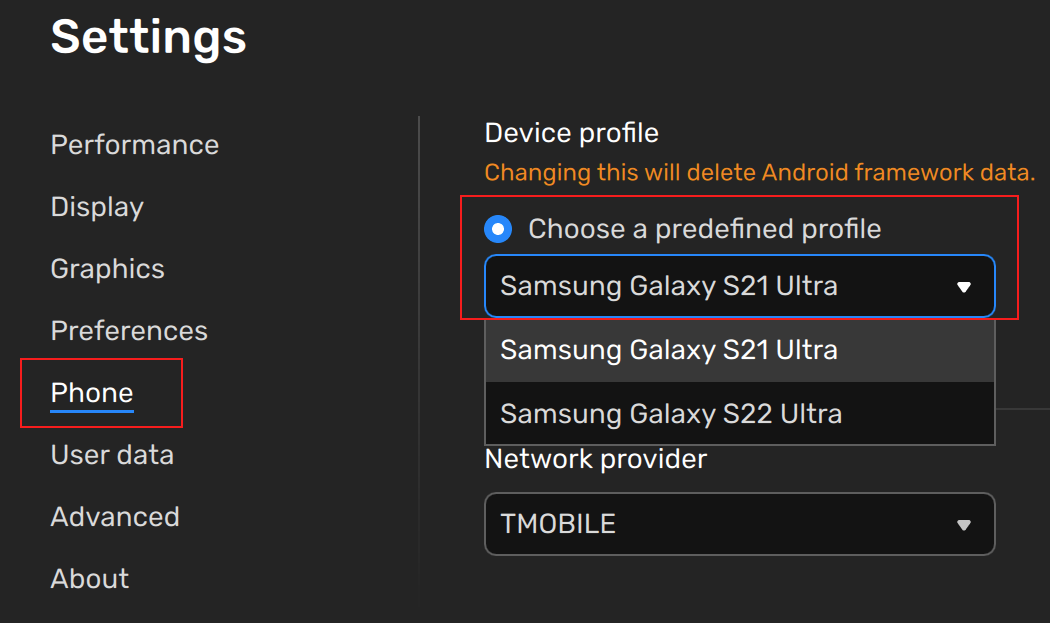
If you get an error that the game isn't available for your device, change the emulated device in the settings:
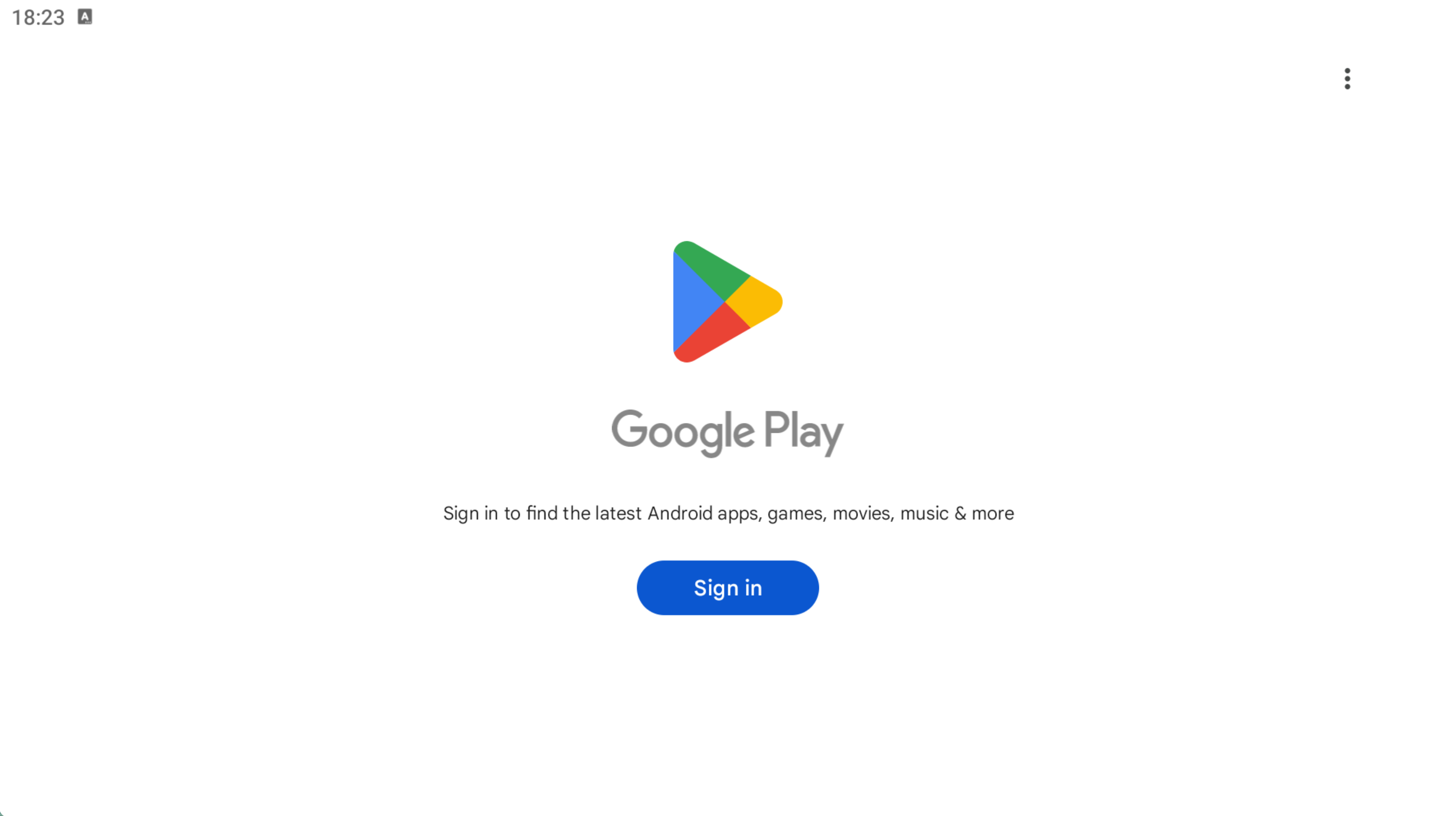
Before installation, the game will ask you to sign in to your Google account to download, since the emulator mimics an Android device. If you don't have an account — create one; if you do — sign in. After that you'll be able to download the game by pressing the «Install» button.
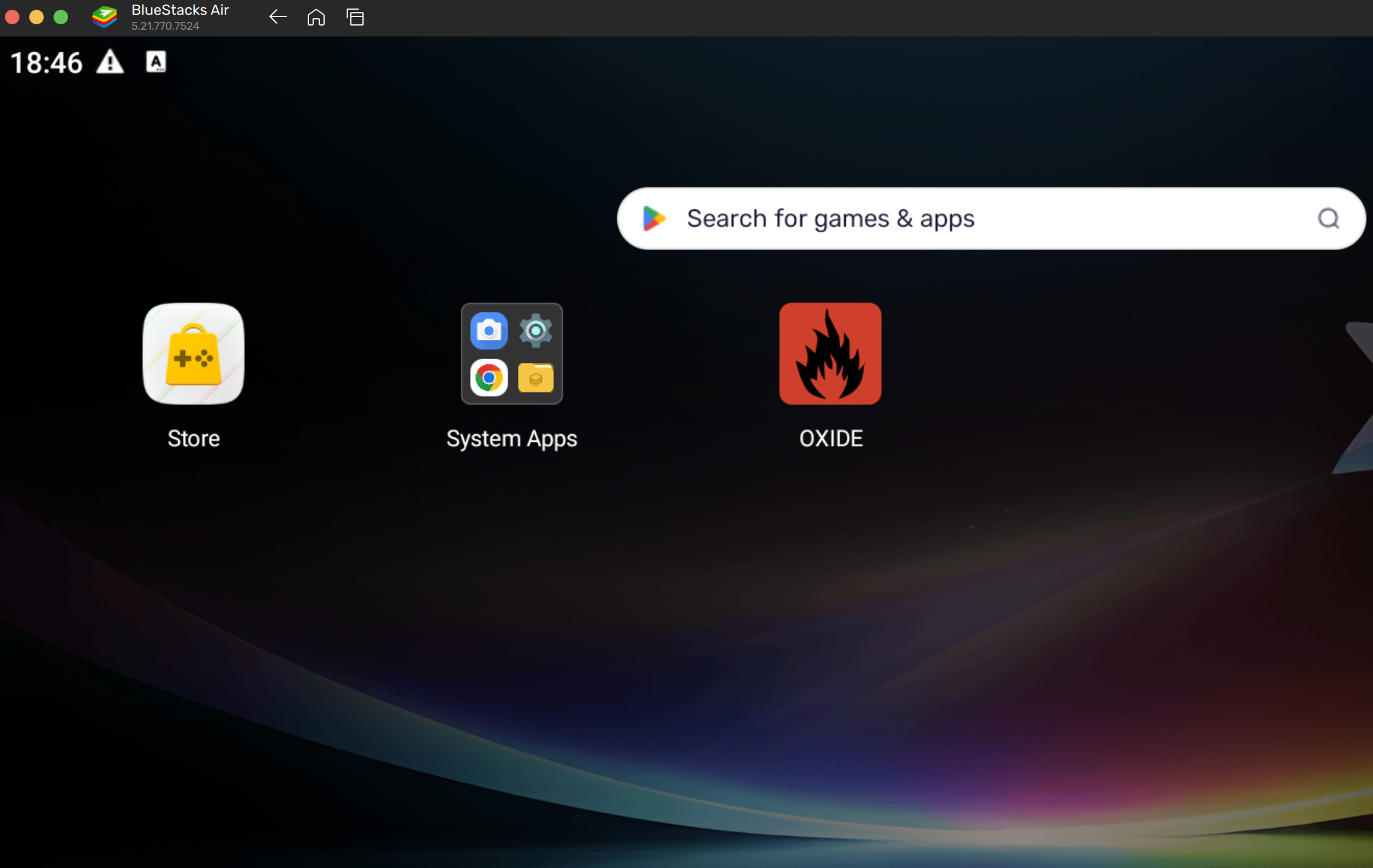
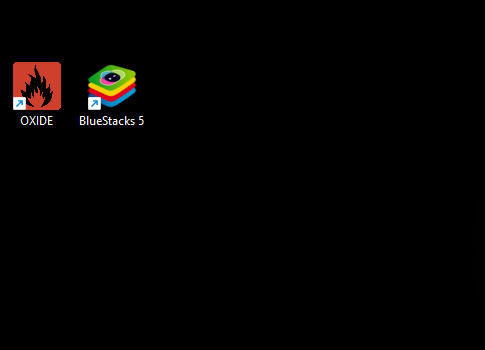
Once the installation is complete, OXIDE and BlueStacks 5 shortcuts will appear on your desktop — click the OXIDE icon to launch the game on PC.
On Mac: after installation the app becomes available right inside BlueStacks — on the emulator's home screen. Launch it from there.
We've prepared a video guide just for you: which settings to use for comfortable play and how to set up mouse and keyboard controls specifically for our game. To show or hide the cursor, use these key combinations:
Play the video and follow all the instructions to set up your BlueStacks and OXIDE for the best gaming experience.
Download BlueStacks